 Listicle
HVAC Business Software for Dispatching: 6 Tools That Fit Small Crews
Last Updated: November 19, 2026
Quick Summary
The best HVAC business software for dispatching is the one your technicians will actually open at 7am in a cold basement. We compare six tools on fit rather than feature count, from N3XUS FieldOS for patchy signal to Facilio for IoT-driven facilities. Match the platform to your technician count and work type, not the reverse.
- N3XUS FieldOS is built for trade businesses with 1-100 technicians and works on one bar of signal.
- HVAC dispatching software pricing ranges from roughly $39 to over $300 per month.
- Housecall Pro lists individual-user plans at $79, $229 and $399 per month as of July 2026.
- Normalize plans to cost per technician per month before comparing two quotes.
- Import 90 days of actual job durations before turning on drive-time rules and reminders.
Table of Contents
- HVAC Dispatching Software Compared: Quick Reference Table
- N3XUS FieldOS: Built for Crews That Work Where Signal Drops
- QuoteIQ, FieldEdge, BuildOps, ServiceTrade and Facilio: Where Each One Fits
- Best Practices for HVAC Technician Scheduling
- HVAC Dispatching Software Pricing: What You Actually Pay For
- How to Automate HVAC Dispatching Without Losing Control of the Board
- Frequently Asked Questions
HVAC Dispatching Software Compared: Quick Reference Table
The best HVAC business software for dispatching is the one your technicians will actually open at 7am in a cold basement. We are N3XUS Innovations LLC. Below, we compare six tools on fit, not feature count.
Quick Picks:
- Best for crews with patchy signal: N3XUS FieldOS
- Best for fast quoting: QuoteIQ
- Best for QuickBooks shops: FieldEdge
- Best for commercial contracts: BuildOps or ServiceTrade
- Best for IoT-driven facilities: Facilio
| Tool | Best For | Standout Strength | Watch Out |
|---|---|---|---|
| N3XUS FieldOS | Small-mid trades, 1-100 techs | Works on one bar of signal | Newer platform |
| QuoteIQ | Speed-first quoting | Fast to implement | Light reporting |
| FieldEdge | QuickBooks users | Deep accounting sync | Dated interface |
| BuildOps | Commercial HVAC | Maintenance contracts | Overkill for residential |
| ServiceTrade | Documentation-heavy work | Photo/video reports | Needs tech buy-in |
| Facilio | Large facilities | IoT integration | High complexity |
N3XUS FieldOS: Built for Crews That Work Where Signal Drops
Most dispatch platforms assume full bars. FieldOS assumes the opposite. Scheduling, dispatch, quoting, invoicing and job history all run from the phone, and the app keeps working when the connection does not.
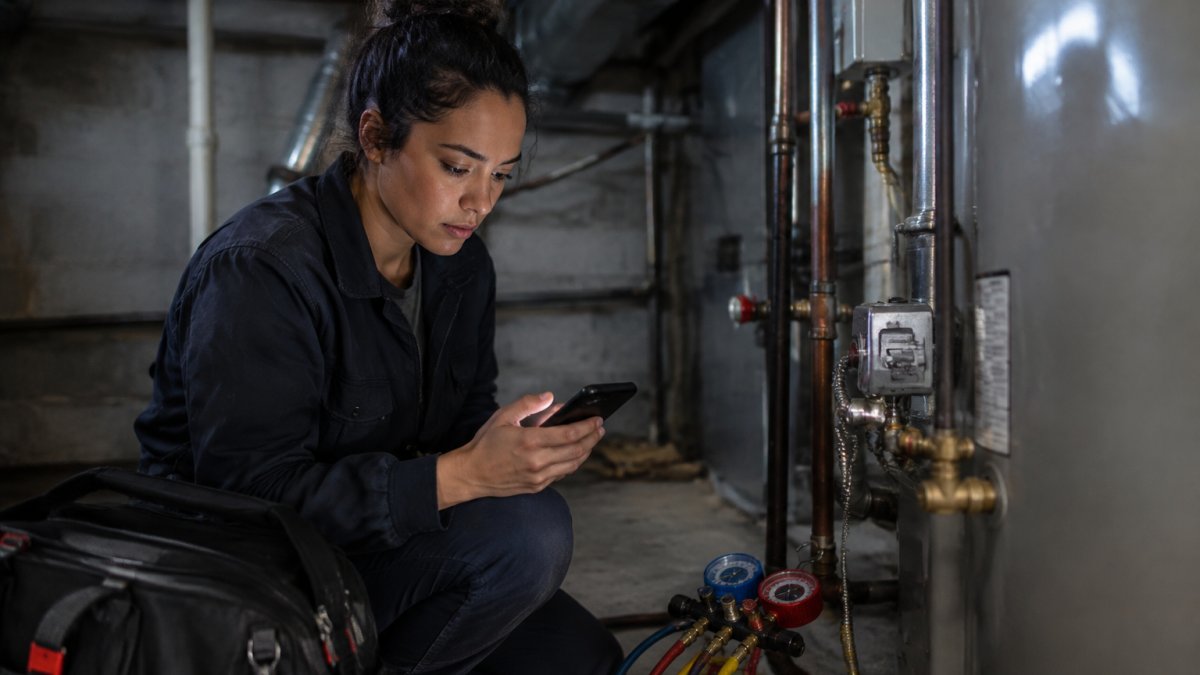
What it does well: van stock tracking with reorder flags, instant invoicing at job completion, and AI-assisted dispatch that accounts for drive time. See how FieldOS handles dispatch.
Best for: trade businesses with 1-100 technicians.
QuoteIQ, FieldEdge, BuildOps, ServiceTrade and Facilio: Where Each One Fits
Retell AI's 2026 comparison of dispatch platforms by technician count segments these tools by crew size, which is the right lens.
Best Practices for HVAC Technician Scheduling
Good scheduling is a promise you keep. But the gap between a scheduling policy that looks good on a whiteboard and one that survives a Monday morning is usually about mechanics, not philosophy. These are the HVAC technician scheduling practices that hold up in practice, plus the implementation details most software marketing pages skip.
Block drive time by zone, not by a flat buffer. A single 30-minute buffer for every job sounds fair until your techs cross a metro area twice in one day. Zone-based drive-time rules can be set once in dispatch software and recalculated as jobs move.
Match skill level to job type, not just availability. A maintenance tune-up and a compressor replacement are not interchangeable slots. Tag each job type with the certifications or experience level it requires, then let the dispatch board filter technicians by both availability and qualification.
Confirm the appointment with automated reminders the day before, and again on the morning of. Two touches, not one. The day-before reminder lets the customer reschedule without stranding a tech; the morning-of text confirms someone is home. Both are standard in dispatch software, but the sequencing matters more than the feature existing.
Keep a same-day buffer for emergency calls. Reserve one or two slots per technician per day for no-heat and no-cool calls. If the buffer goes unused by mid-afternoon, release it for non-urgent work. This is a dispatch-board setting in most platforms, not a manual habit.
Track technician close-ratios, not just completed jobs. A tech who completes ten calls but converts two repairs is a different business problem than one who completes six and converts five. Close-ratio by technician, by job type, and by lead source tells you where to coach, and it is the metric most dispatch dashboards bury.
Review the dispatch board once mid-morning, not five times an hour. Constant board-watching creates churn: jobs get reassigned, customers get re-notified, and techs lose trust in the schedule. A single mid-morning review catches the morning's overruns without destabilizing the afternoon.
Watch out: automating reminders and drive-time rules before your job durations are accurate just produces confident wrong answers faster. Import 90 days of actual job durations first, then turn on the rules.
BDR's 2026 HVAC software guide notes that platform choice should follow technician count and work type, not the reverse. We agree. Read our full walkthrough of dispatch efficiency tactics, or if you are weighing whether the effort pays off, see whether scheduling best practices are worth following.
HVAC Dispatching Software Pricing: What You Actually Pay For
HVAC dispatching software pricing ranges from roughly $39 to over $300 per month, according to Businesstries' 2026 HVAC software market analysis. Housecall Pro lists individual-user plans at $79, $229 and $399 per month as of July 2026 (Housecall Pro HVAC software pricing). But the sticker price is the least useful number in the decision. Here is what actually drives the monthly bill. Because the monthly bill depends on which work the software handles, compare dispatching costs with the separate expense of an HVAC answering service when deciding what belongs in the budget.
Per-user versus per-technician pricing. Some platforms charge per office user and let unlimited field techs log in; others charge per technician, which means a 10-van shop pays ten times the seat cost. Before comparing two plans, normalize both to cost per technician per month. A $229 plan that covers six techs is cheaper than a $79 plan that covers one.
Payment processing fees. Ask any vendor for the payment processing rate in writing before you sign.
Onboarding and implementation charges. Ask whether a one-time setup or onboarding fee applies and how it is calculated.
Add-on modules. Inventory management, marketing automation, customer financing, and advanced reporting are frequently separate line items. The advertised plan is usually the dispatch-and-invoicing core; the modules are where the bill grows.
Contract length and cancellation. Month-to-month plans cost more per month but carry less risk. Annual plans discount the rate but often lock in the onboarding fee. For a first dispatch platform, month-to-month is usually the cheaper mistake.
The number that matters is not the sticker. It is cost per technician per month, divided by hours saved on admin.
Watch the add-ons: extra users, payment processing fees, and onboarding charges often double the advertised figure. If a big-name platform is pricing you out, compare a small-company ServiceTitan alternative.
Housecall Pro individual-user plan prices per month
How to Automate HVAC Dispatching Without Losing Control of the Board
Automation should remove typing, not judgment. Here is how we would set it up:
- Import job types and durations from your last 90 days of history
- Set drive-time rules by zone, not a flat buffer
- Turn on automated reminders for customers first, before internal automation
- Route emergency calls to a human, always
- Review the AI's dispatch suggestions weekly for the first month
Watch out: automating dispatch before your job durations are accurate just produces confident wrong answers faster.
The goal is a dispatch board your dispatcher trusts. Talk to us about setting up FieldOS and keep the override button where it belongs: in human hands.
Your dispatcher should not be rebuilding the schedule from memory every morning. N3XUS FieldOS gives small and mid-sized trade crews one live board, offline-capable job access, and instant invoicing, at a fraction of typical enterprise subscription rates. Get started with N3XUS FieldOS and stop paying for hours nobody worked.
Frequently Asked Questions
How much does HVAC dispatching software cost per month?
Pricing varies widely by vendor and plan. Per-user billing is the number that matters most: a flat rate that includes unlimited technicians often beats a cheaper base plan once you add vans. Check each vendor's own pricing page for current rates.
Can HVAC dispatching software work in areas with poor internet connectivity?
It depends on the platform. Some field service apps require a live connection to load job details, which fails in basements, crawlspaces and rural service areas. Before you buy, test whether the mobile app caches job history, property notes and photos for offline viewing, and whether a technician can complete a work order and send an invoice once the signal returns. Ask the vendor to demonstrate this on a device in airplane mode, not just describe it.
What is the difference between basic scheduling and advanced dispatching software?
Basic scheduling puts jobs on a calendar. Advanced dispatching adds a live dispatch board showing technician status, route optimization that accounts for drive time between addresses, automated reminders to customers, and a service history attached to each property. The gap shows up on busy days: with basic scheduling your dispatcher rebuilds the day by phone, while a dispatch board lets them reassign a call in seconds and see the effect on arrival times.
What are the essential features to look for in HVAC dispatching software?
Prioritize a real-time dispatch board, mobile app that works offline, invoicing and payment processing tied to job completion, inventory and van stock tracking, and reporting on technician performance and job costing. Customer history and property notes matter more than most buyers expect, because repeat visits depend on them. Also check implementation time and whether onboarding includes data migration.
How does HVAC dispatching software improve technician efficiency?
Automated dispatch can assign a qualified technician, route optimization accounts for drive time between addresses, and job details and service history can be viewed on the phone. Measure your own dispatch time before and after a trial.