 blog
Jobber vs Housecall Pro in 2026: A Practical Comparison
Last Updated: November 22, 2026
Quick Summary
The jobber vs housecall pro comparison comes down to whether you want built-in routing and a lower entry price or built-in marketing and more customization. Jobber suits contractors who depend on dispatch efficiency, while Housecall Pro suits teams that want marketing tools inside the same login.
- Jobber Core is listed at $29 per month prepaid annually; Housecall Pro Basic is $59 per month billed annually.
- Payment processing fees, extra users, add-ons and integrations add costs beyond the advertised subscription.
- Housecall Pro relies on third-party tools for routing, which carry their own subscriptions.
- Score each platform only on the three or four checklist items that match your trade.
- Run both trials in parallel for two weeks and score them on the same jobs.
Table of Contents
- Jobber vs Housecall Pro: The Short Verdict
- Jobber vs Housecall Pro Pricing: What You Actually Pay
- Field Service Software Features Checklist: Where Each Platform Wins
- Scheduling, Dispatching, and Route Optimization Compared
- Estimates, Invoicing, Payments, and Customer Communication
- The Best Field Service Management Software for HVAC, Plumbing, and Electrical Teams
- Offline Use, Migration, and Data Ownership
- Start Your Free Trial and Test the Workflow Yourself
- Frequently Asked Questions
Jobber vs Housecall Pro: The Short Verdict
The jobber vs housecall pro comparison comes down to one question: do you want built-in routing and a lower entry price, or built-in marketing and more customization? Neither platform wins outright. According to Software Advice's review-sentiment analysis, 71% of Housecall Pro reviews mentioning value for money were positive, against 64% for Jobber.
Here's the short version. Jobber suits contractors who live and die by dispatch efficiency. Housecall Pro suits teams that want marketing tools inside the same login. The right answer depends on your trade, your team size, and how much you value a clean route over a clean campaign. Below, we break down pricing, features, and the costs nobody advertises. For a headcount-specific view, our field service software for 15 employees breakdown covers the same decision at small-team scale.
Jobber vs Housecall Pro Pricing: What You Actually Pay
Pricing depends on quantity, billing terms, number of users, and add-ons. The subscription is only one part of what you will spend each month. This section explains the factors to weigh, so you can estimate your true monthly spend before you commit. For current prices or a quote, see the N3XUS Innovations LLC pricing page.
Advertised Entry Prices
Jobber Core is listed at $29 per month when prepaid annually, while Housecall Pro Basic is listed at $59 per month billed annually (FieldVibe's pricing comparison). TrustPro reports Jobber's cheapest annual plan at $21-$29 per month against Housecall Pro Basic at $59 (TrustPro's honest comparison).
| Platform | Entry Plan (Annual) | Entry Plan (Monthly) | Pricing Model |
|---|---|---|---|
| Jobber | $21-$29/month | $39/month | Per user |
| Housecall Pro | $59/month | $79/month | Per user |
Total Cost of Ownership Beyond the Subscription
A realistic monthly spend includes four costs the pricing pages do not lead with: payment processing fees, additional users, add-ons or higher tiers required for routing and marketing, and third-party integrations. Payment processing fees are an additional cost on invoices collected through any platform, so ask vendors for their current processing rate schedule in writing before you compare subscriptions.
User limits are the second hidden cost. Plans may cap the number of users or restrict certain features to higher tiers. If you run a three-technician crew, price the plan that actually supports three users, not the single-user entry price.
Annual versus monthly billing is the third lever. Prepaying annually usually lowers the monthly equivalent, but it also locks you in. If you are still testing workflow fit, monthly billing costs more per month but preserves flexibility. A common pattern is to start monthly during a trial period, then switch to annual once you have confirmed the platform fits your dispatch and invoicing flow.
Integrations are the fourth cost. Housecall Pro relies on third-party tools for routing, and those tools carry their own subscriptions. Add the monthly cost of any routing, marketing, or accounting integration to the Housecall Pro column before you declare it cheaper or more expensive than Jobber. For a leaner stack comparison, our ServiceTitan alternative guide for small companies covers what a stripped-down toolset looks like.
To estimate your own total cost of ownership, build a simple monthly model: base subscription for the number of users you actually need, plus processing fees on your average monthly collected revenue, plus any add-on or integration subscriptions, plus the annual-billing discount or monthly-billing premium. Run that model for both platforms using your real numbers rather than the advertised entry prices.
If the subscription math pushes you toward a smaller bill, our ServiceTitan alternative guide for small companies covers what a leaner stack looks like.
Field Service Software Features Checklist: Where Each Platform Wins
Routing and dispatch are key points to evaluate when comparing field service platforms. Confirm how each platform's routing works before you decide, and test it with your own jobs.
That high-level split is where most comparisons stop. The more useful question is how each platform behaves inside a specific trade workflow. Below, the checklist is paired with trade-specific examples so you can see which features actually matter for your crew.
The Checklist, With Trade-Specific Context
- Built-in route optimization, no add-on required, Matters most for window cleaning and multi-stop service routes, where the order of stops drives daily drive time. Verify whether route optimization is built in or requires an add-on.
- Recurring service scheduling with automated reminders, Matters most for residential cleaning and lawn care, where the same customer repeats weekly or biweekly. Both platforms support recurring jobs, but verify how each handles skipped visits, holiday shifts, and reminder timing.
- Estimates and quotes generated from a custom price list, Matters for HVAC and plumbing, where quotes vary by equipment and labor. Confirm whether the price list supports tiered pricing and whether quotes convert to jobs without re-entry.
- Invoicing and online payments in the same app, Matters for every trade, but especially for emergency HVAC and plumbing calls where the technician collects payment on site. Test whether payment collection works when the technician has weak signal.
- Customer database with property notes and job history, Matters for multi-property managers and recurring service businesses. Check how property-level notes attach to jobs and whether history is searchable by address.
- Mobile app that works on weak signal, Matters for basement, rural, and steel-framed building work. Ask vendors directly how the app behaves offline and test it before you sign.
- Marketing automation and follow-up sequences, Matters for electrical and HVAC shops chasing inbound leads. Check which marketing tools are included at each tier.
- Reporting on job profitability and technician time, Matters for owners managing labor cost. Confirm whether reporting is included at your tier or requires an upgrade.
Trade-Specific Workflow Notes
For recurring cleaning jobs, the deciding feature is how each platform handles a repeating schedule with occasional skips and add-ons. A common pattern is that one platform makes it easy to shift a whole week of visits when a customer travels, while the other requires editing each job individually. Test that scenario during the trial. If shifting visits one by one makes recurring work harder to manage, TROUTECH can help frame the broader scheduling needs to weigh when choosing a tool.
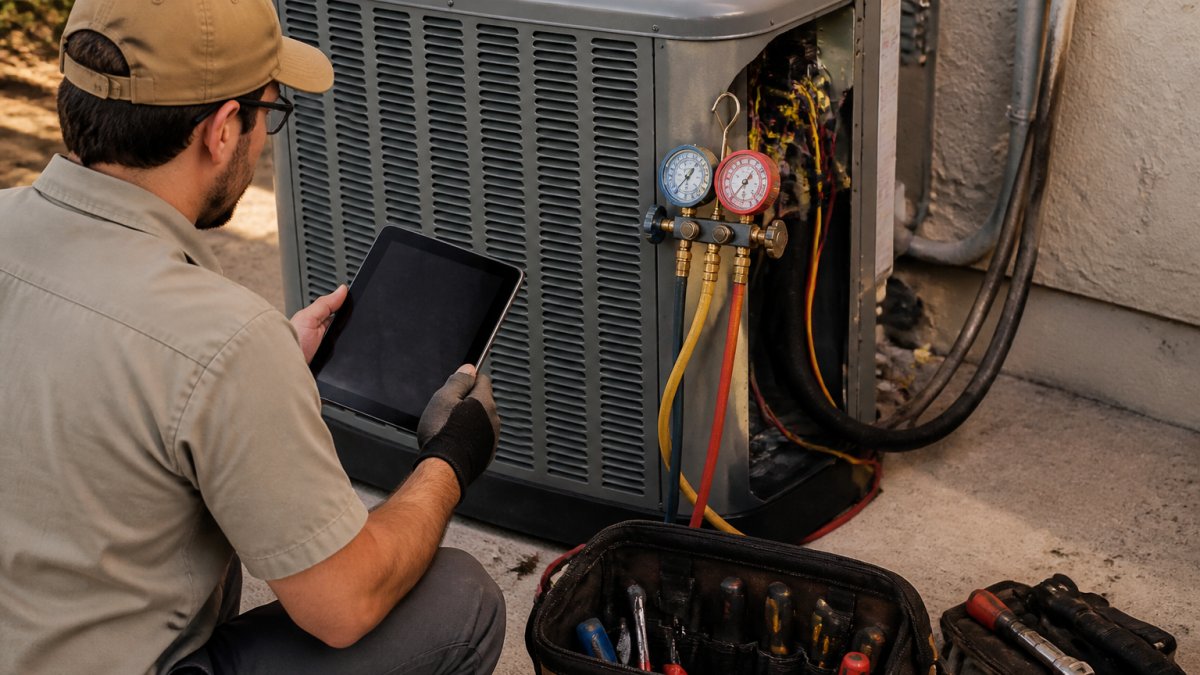
For emergency HVAC dispatch, the deciding feature is how fast a dispatcher can create a job, assign the nearest technician, and send an on-my-way notification. Time that flow in both platforms using a real address and a real technician.
For multi-stop window-cleaning routes, the deciding feature is route optimization that accounts for stop order and drive time. Test how each platform handles this during your evaluation.
Use the checklist as a scoring sheet, not a shopping list. Score each platform on the three or four items that match your trade, and ignore the rest. Watch out: a platform that wins on the total number of checkboxes can still lose on the one workflow that consumes most of your day.
Scheduling, Dispatching, and Route Optimization Compared
Dispatch and routing are central to small-team operations, especially when a dispatcher juggles a whiteboard and a phone all day. Compare how each platform's dispatch and routing work in your own workflow.

What most guides miss is the drive-time cost. A route that saves 20 minutes per technician per day compounds across a five-day week.
Estimates, Invoicing, Payments, and Customer Communication
Both platforms handle estimates, invoicing, and online payments, so the decision rests on workflow fit rather than capability.
If your accounting runs on QuickBooks, check the integration before you commit. Our QuickBooks integration guide covers setup, sync workflows, and how to avoid duplicate data entry.
The Best Field Service Management Software for HVAC, Plumbing, and Electrical Teams
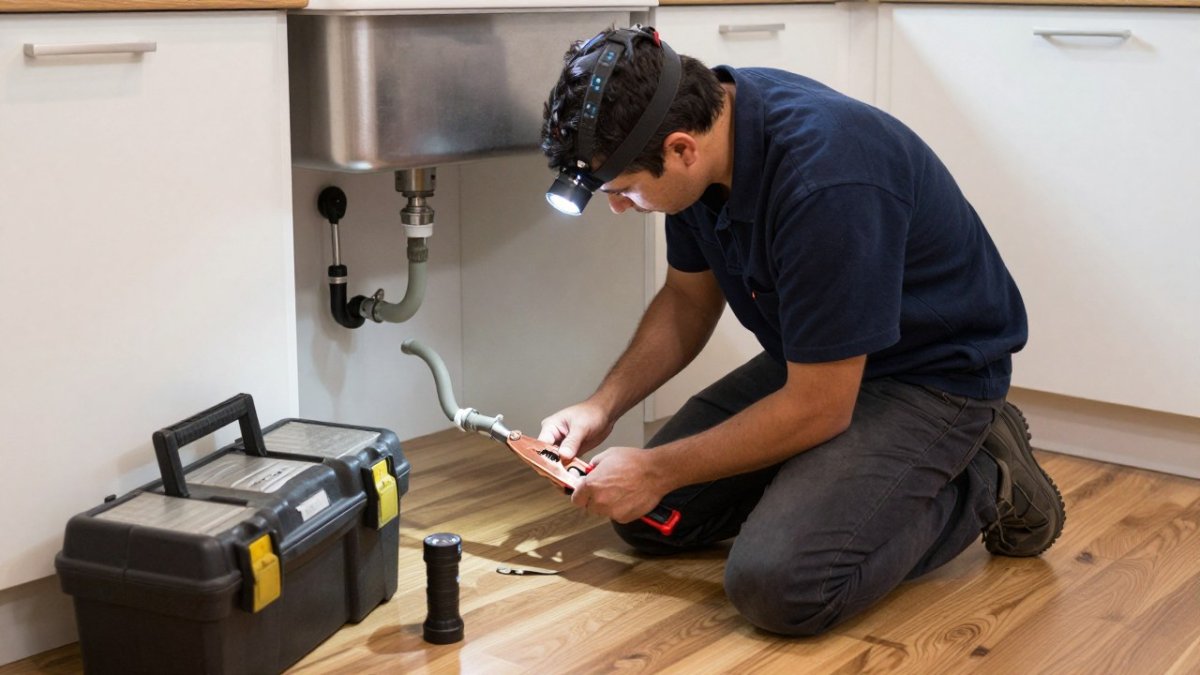
There is no single best field service management software for HVAC, plumbing, and electrical teams. The right pick depends on whether your bottleneck is dispatch or demand generation. HVAC and plumbing crews with tight routes lean Jobber. Electrical shops chasing more inbound leads lean Housecall Pro.
At N3XUS Innovations LLC, we built N3XUS FieldOS for the 1-100 technician range, with offline reliability and a customer portal where homeowners post jobs for free. It is priced well below the average market subscription. For a trade-specific deep dive, our field service management software for HVAC guide walks through the workflows that matter.
Offline Use, Migration, and Data Ownership
Offline performance is where most comparisons go quiet. A basement, a rural crawlspace, or a steel-framed building can kill signal, and an app that needs bars to load job details is useless in the field. Ask both vendors directly how the mobile app behaves with no connection, and test it before you sign.
Migration deserves the same scrutiny. Export your customer list, property notes, and job history from your current system first, then confirm in writing what the new platform imports and what it drops. Ask what happens to your data if you cancel. Data portability is a contract question, not a feature question.
Start Your Free Trial and Test the Workflow Yourself
No comparison article settles this for you. Run both trials in parallel for two weeks and score them on the same jobs. Test dispatch with a real route, send one invoice from a dead zone, and time how long a quote takes.
At N3XUS Innovations LLC, we designed FieldOS so technicians can complete a job, invoice on the spot, and move on, even on one bar of signal. It includes van stock tracking with reorder flagging, AI-assisted dispatch and invoicing, and no trackers or data sales. See how dispatch works in practice and start free.
The gap between these two platforms is smaller than the marketing suggests, and the real cost sits in the add-ons and the drive time. Test the workflow on your own jobs before you commit a season to either one. Get started with N3XUS FieldOS and put scheduling, dispatch, and invoicing on one screen your techs will actually use.
Frequently Asked Questions
Is Housecall Pro better than Jobber for small businesses?
It depends on what the business needs most. The answer depends on which features your business needs most, so compare each platform's routing, marketing, and pricing against your own workflow. A one-to-five person trade business should test both on its own jobs before deciding, since team size and service mix change the answer.
What are the main differences in pricing between Jobber and Housecall Pro?
Pricing depends on quantity, billing terms, number of users, and add-ons. For current prices or a quote, see the N3XUS Innovations LLC pricing page, and confirm current plan terms with each vendor.
Which platform has the better mobile app for field technicians?
Both ship mobile apps for job details, photos, and invoicing, but connectivity decides the experience in the field. Compare how each platform's routing helps technicians follow an efficient call order. If your crews work in rural areas or basements with weak signal, test offline behavior before you commit. Ask each vendor how the app handles job notes and invoices when the phone has no bars, and run that test during the trial.
How hard is it to switch from Jobber or Housecall Pro to another platform?
Migration difficulty comes down to customer history, property notes, and recurring job schedules. Before switching, ask three questions: can the vendor import your client list and job history, how long does onboarding take, and what happens to your data if you leave. Get the export and cancellation terms in writing. A platform that lets you pull your full customer database out at any time costs you less in the long run than one that locks it in.