 How-to
7 Voice Note Transcription Wins for HVAC Technicians
Last Updated: October 28, 2026
Quick Summary
Voice note transcription for HVAC technicians turns spoken job details into written records automatically, so you can capture equipment IDs, readings, findings, parts, and recommendations without typing on a phone keyboard. Always review AI-transcribed notes before they reach the customer, since a misheard part number or dropped word can affect a quote.
- Say numbers in groups, stating the label first and then the value, such as model number X R 14, two ton.
- HVAC service call notes should contain equipment identity, measured readings, findings, work performed, and recommended next steps.
- A rollout can begin with one volunteer technician and one job type before scaling across the crew.
- N3XUS Field OS drafts quotes from voice notes and offers two-way sync with QuickBooks Online.
- A 2024 review found speech-recognition systems handle routine dictation well but still need human review for accuracy.
Table of Contents
- Why Voice Note Transcription Beats Typing for HVAC Techs
- How HVAC Technician Voice-to-Text Fits a Service Call
- What Belongs in HVAC Service Call Notes
- Building an HVAC Service Report Template From Transcribed Notes
- AI Transcription for Field Service: Accuracy in Noisy Mechanical Rooms
- Turning a Spoken Note Into a Quote, Job, and Invoice
- Rolling Voice Note Transcription Out Across Your Crew
- Start Capturing Voice Notes in N3XUS Field OS
- Frequently Asked Questions
Why Voice Note Transcription Beats Typing for HVAC Techs
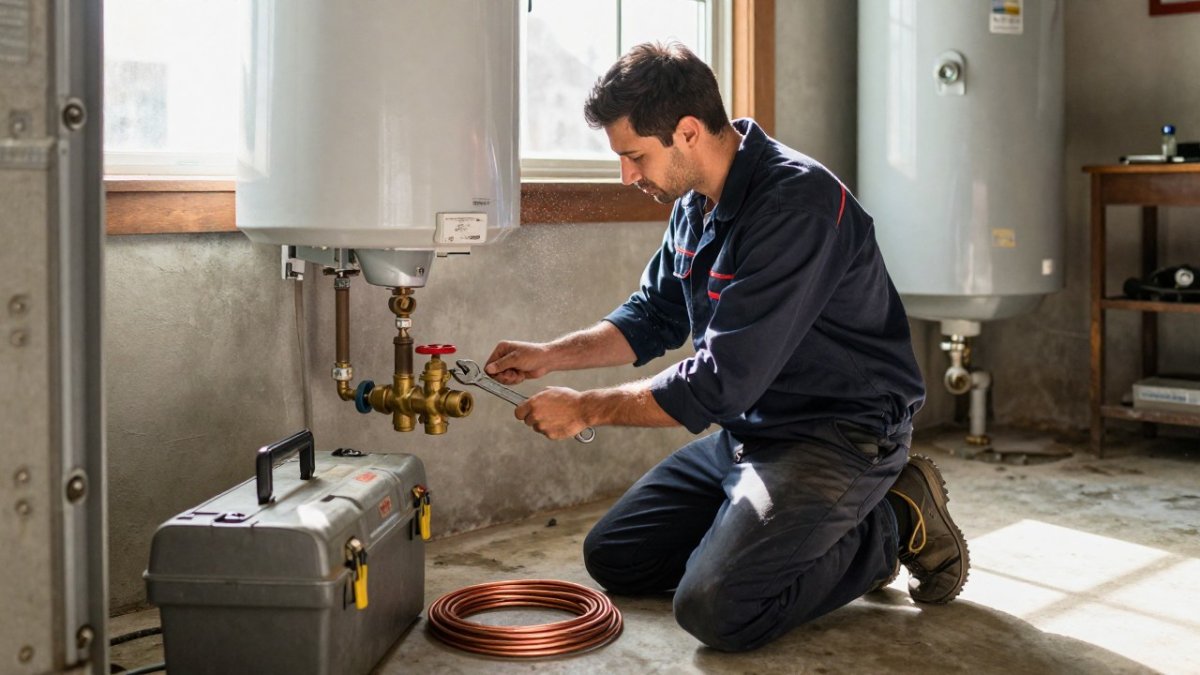
Voice note transcription for HVAC technicians turns spoken job details into written records automatically. That matters because typing up notes can take time. At N3XUS Field OS, we built our workflow around reducing manual re-typing.
The Real Cost of Manual Note-Taking
Consider what a single service call actually demands. A tech may need to type out model numbers, readings, and recommendations on a phone keyboard.
Manual note-taking can involve typing details into a system.
A 2024 review of speech-recognition tools found that these systems handle routine dictation well but still need human review for accuracy (what automatic speech recognition can and cannot do for qualitative research). Reviewing transcripts can help catch errors.
What Changes When Notes Transcribe Themselves
Speech can be turned into written notes.
N3XUS Field OS is designed to reduce manual data re-entry between systems.
If cutting that re-entry work is your priority, this guide on how to reduce manual data entry for technicians covers the voice-to-text and mobile-form options in detail.
How HVAC Technician Voice-to-Text Fits a Service Call
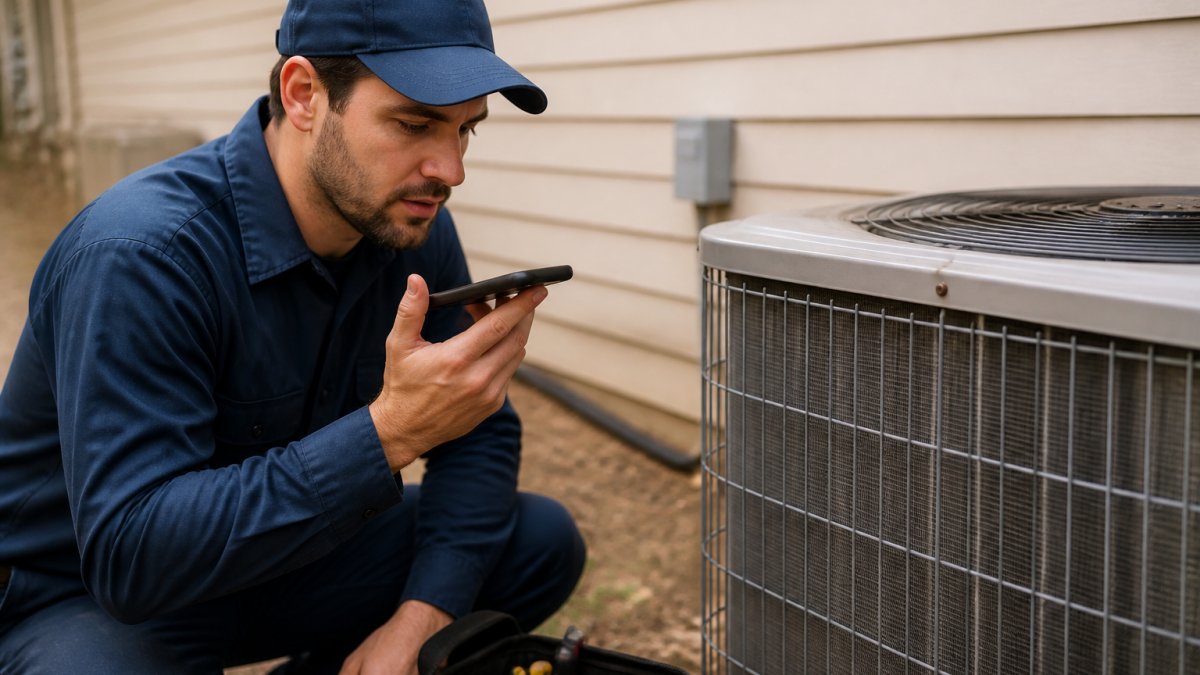
Voice notes can capture details from a service call.
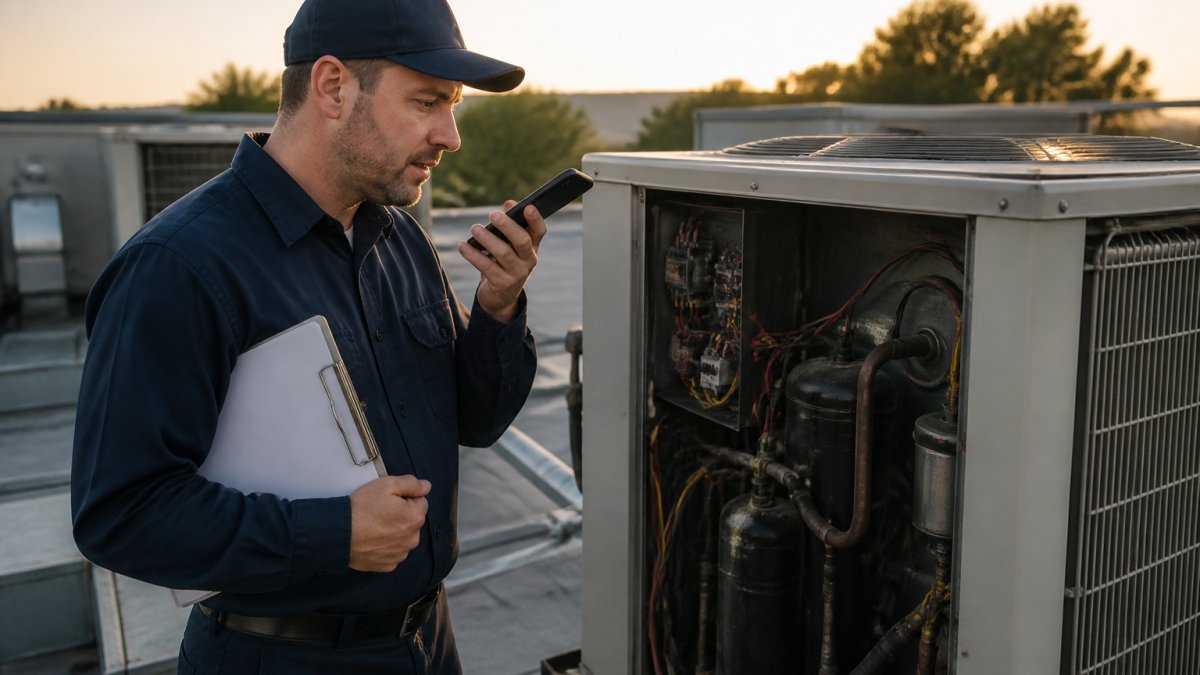
Here's how a call flows:
- Arrival: tech states the address, unit type, and reported problem
- Diagnosis: tech speaks the readings and what they point to
- Repair: tech names the parts used and the work performed
- Closeout: tech records recommendations and any follow-up needed
Field-service vendors now pitch hands-free voice capture for noisy mechanical rooms, including part-number accuracy during live transcription (AssemblyAI voice agents for field service operations). The technology exists. The discipline is deciding what to say.
If you're weighing the full toolset around this workflow, our guide to field service management software for HVAC maps out what each piece should do.
What Belongs in HVAC Service Call Notes
HVAC service call notes should contain five things: equipment identity, measured readings, findings, work performed, and recommended next steps. Skip any one of those and the note fails its two jobs, which are protecting the tech and justifying the invoice.
Model, Serial, and Part Numbers Spoken Clearly
Say numbers in groups.
Instead of rattling off "S-N-4-7-2-9-8-B," say "serial number, four seven two, nine eight, letter B." Add the equipment location too.
State the label, then the value. "Model number: X R 14, two ton."
Readings, Findings, and Recommended Work
A note can include the number, the unit, and a finding.
You can separate what you found from what you recommend.
Building an HVAC Service Report Template From Transcribed Notes
A service report can include equipment ID, readings, findings, parts, labor, and recommendations.
A service report may include fields such as:
| Template Field | What the Tech Speaks | Why It Matters |
|---|---|---|
| Equipment ID | Model, serial, location | Correct parts, warranty claims |
| Readings | Value, unit, verdict | Proof of diagnosis |
| Findings | What failed and why | Supports the quote |
| Parts used | Part number, quantity | Inventory and billing |
| Recommendations | Deferred work, next visit | Future revenue |
Virginia Tech's qualitative-data guidance notes that recording tools are everywhere now, but not every tool suits every job (recording and transcription guidance).
AI Transcription for Field Service: Accuracy in Noisy Mechanical Rooms
Recording conditions can affect transcription.
Recording conditions can affect transcription.
Reviewing AI-Transcribed Notes Before They Reach the Customer
Always review before sending. A 2024 methods paper on transcription practice describes both the opportunities and the risks of intelligent speech recognition, and the risks land on the review step (transcribing in the digital age).
A misheard part number or a dropped "not" in a recommendation can affect a quote.
Turning a Spoken Note Into a Quote, Job, and Invoice
N3XUS Field OS can draft quotes from voice notes.
N3XUS Field OS supports AI-powered quote drafting from voice notes, along with job scheduling and invoicing.
N3XUS Field OS drafts quotes from voice notes and brings quoting, dispatch, stock, invoicing, and payouts together in a unified job record, reducing manual data re-entry. For the quoting step itself, these seven steps to speed up field service quoting pair well with transcription, and this breakdown of how to automate field service quotes goes deeper on the handoff.
Rolling Voice Note Transcription Out Across Your Crew
A rollout can start with one technician.
A rollout plan can begin with one volunteer and one job type.
When you're ready to scale past a handful of vans, this guide to scaling your field service business with software covers the operational side of a wider rollout.
Start Capturing Voice Notes in N3XUS Field OS
N3XUS Field OS is designed to connect voice-note quote drafting with job management and invoicing.
N3XUS Field OS drafts quotes from voice notes and provides a unified job record for quoting, dispatch, stock, invoicing, and payouts. It offers two-way sync with QuickBooks Online and an automated AR agent for invoice follow-ups. Start free.
Frequently Asked Questions
How accurate is AI transcription for HVAC terminology?
It depends on the tool and the recording conditions. Transcription accuracy can depend on the tool and recording conditions. Review important details before using them in a customer-facing document.
How can technicians improve voice-to-text accuracy in noisy environments?
Recording conditions can affect transcription. Review important details before using them in a customer-facing document.
Can voice notes be converted into HVAC quotes or invoices?
N3XUS Field OS can draft quotes from voice notes. Its unified job record brings quoting, scheduling, and invoicing together, and the platform is designed to reduce manual data re-entry.
What should an HVAC technician include in a service call voice note?
A voice note can include equipment details, readings, findings, work performed, and recommended next steps.